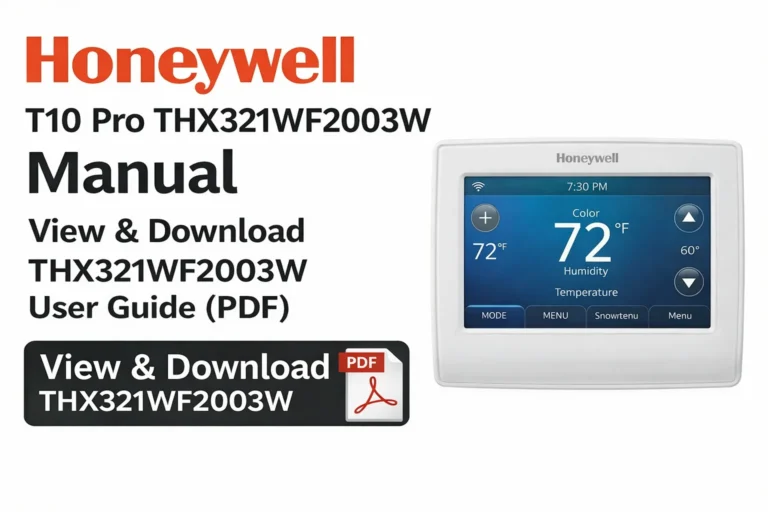
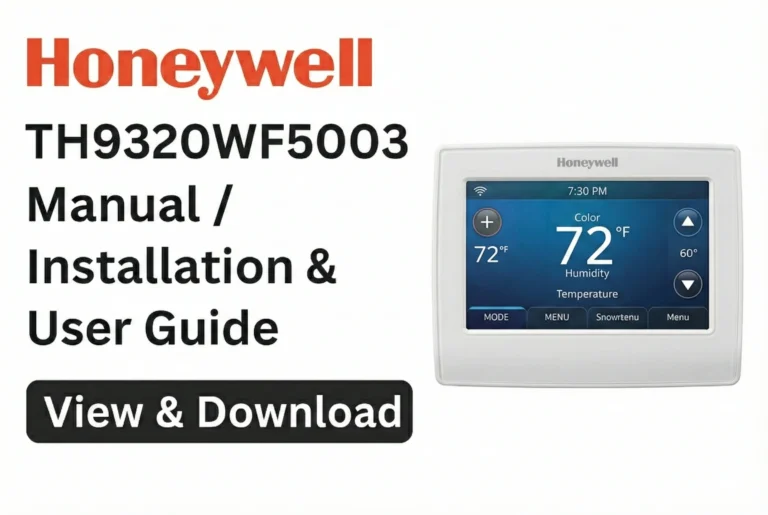
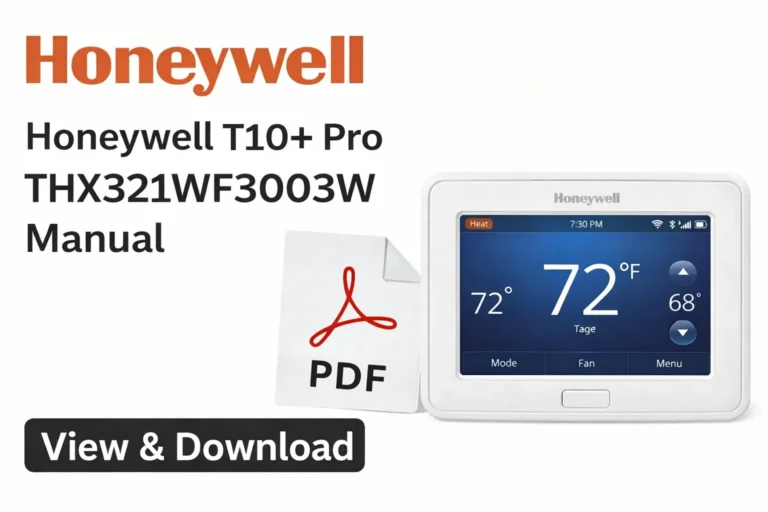
Honeywell TH6320WF2003 Manual – View & Download TH6320WF2003 User Guide (PDF)
The Honeywell TH6320WF2003 is a premium Wi-Fi–enabled thermostat from the T6 Pro Series, designed for smart temperature control, energy savings, and seamless integration with modern HVAC systems. On this page, you can view and download the official Honeywell TH6320WF2003 User Manual, Installation Instructions, Wiring Diagram Sheet, and all related PDF documents. These resources help homeowners and professionals install, configure, and operate the thermostat with complete confidence.
View & Download Honeywell TH6320WF2003 Manual (PDF) – User Manual
Access all official Honeywell files for the TH6320WF2003 T6 Pro Wi-Fi Thermostat in one place. These downloadable manuals include setup instructions, wiring diagrams, system configurations, troubleshooting information, and product specifications.
View & Download Honeywell TH6320WF2003 Manual (PDF) – Guard Installation Guide
You can view the manual online or download the full PDF files for offline use. The installation guide includes detailed diagrams, mounting instructions, initial configuration steps, and Wi-Fi setup procedures. These resources help you quickly install and optimize the TH6320WF2003 for efficient and reliable HVAC performance.
Honeywell TH6320WF2003 User Manual – Complete Operating Manual & Owner Guide
The Honeywell TH6320WF2003 User Manual provides complete operating details to help you use the thermostat effectively. It covers temperature adjustments, scheduling options, system modes, Wi-Fi setup, smart features, alerts, and app functions.
This guide is essential for understanding how the thermostat works, optimizing comfort, and ensuring proper day-to-day use.
T6 Pro Series Overview, Product Information & Key Specifications
The T6 Pro Series is known for its modern design, intuitive touchscreen interface, and compatibility with a wide range of HVAC systems. Key specifications of the TH6320WF2003 include:
- Smart Wi-Fi connectivity
- Works with Alexa, Google Assistant & Apple HomeKit
- 3 Heat / 2 Cool (Heat Pump) and 2 Heat / 2 Cool (Conventional)
- Adaptive Intelligent Recovery for efficient operation
- Sleek, modern backlit touchscreen
- Programmable scheduling with multiple formats
- Remote app control through Honeywell Home
- C-wire powered (no batteries required)
These features make it a versatile and future-ready thermostat for any property.
Honeywell TH6320WF2003 Features, Functions & Technical Details
This model includes a wide range of practical and advanced features:
- Remote temperature control via smartphone
- Touchscreen interface with clear icons
- Auto Changeover between heating and cooling
- Multiple scheduling modes (7-Day, 5-1-1, 5-2)
- Precision temperature accuracy
- Filter and maintenance reminders
- Geofencing capabilities
- Energy-saving intelligent learning
- Real-time clock with auto daylight savings adjustment
Technical details include voltage ratings, terminal connections, system configuration codes, and display indicators.
TH6320WF2003 (T6 Pro Series) Programmable Thermostat Installation Instructions (Professional Guide)
The Installation Guide for the TH6320WF2003 provides detailed instructions for safe and accurate setup. Honeywell recommends professional installation, especially for complex systems like heat pumps or multistage HVAC units.
Installation topics covered include:
- Safety precautions
- Removing and labeling wires from an old thermostat
- Mounting the new wallplate
- Connecting wires correctly
- Performing HVAC system setup (ISU menu)
- System testing and verification
Following the official instructions ensures correct operation from day one.
Step-by-Step Honeywell TH6320WF2003 Installation Guide PDF
The Installation Guide PDF walks you through:
- Disconnecting power to the HVAC system
- Preparing and labeling all existing wires
- Installing the T6 Pro wallplate
- Connecting the thermostat’s wiring terminals
- Applying correct configuration settings
- Testing all heating and cooling stages
- Completing Wi-Fi and app setup
This step-by-step approach ensures smooth installation without errors.
Wiring Setup – T6 Pro Wiring Diagrams & System Compatibility
The dedicated wiring diagrams for the T6 Pro Series include clear layouts for:
- Heat pump systems
- Two-stage and multi-stage systems
- Conventional heating/cooling
- Aux/Emergency heat
- Fan control options
Standard terminals include R, RC, C, Y, Y2, O/B, G, W, AUX/E, L/A, and more.
Proper wiring ensures the thermostat communicates correctly with the HVAC system.
TH6320WF2003 (T6 Pro Series) Wi-Fi – Professional Install Guide & Configuration Settings
The Wi-Fi Install Guide explains how to connect the thermostat to your home network and the Honeywell Home app. It covers Wi-Fi compatibility, signal strength requirements, network setup, device registration, and system syncing.
This guide also details advanced configuration codes and professional-level settings for fine-tuning performance.
Initial Setup, Wi-Fi Connection & Advanced Settings for TH6320WF2003
During initial setup, the thermostat will guide you through:
- Selecting language and time format
- Choosing your HVAC system type
- Completing Wi-Fi pairing
- Setting the temperature scale
- Running system tests
- Configuring mode options
- Customizing schedules
Advanced options include compressor protections, adaptive recovery, keypad lock, temperature limits, and ventilation controls.
Honeywell Home App Pairing, Scheduling & Troubleshooting Tips
Using the Honeywell Home app, you can:
- Adjust temperature remotely
- Create or modify schedules
- Enable geofencing
- Monitor indoor climate
- Receive HVAC alerts
Troubleshooting tips in the manual cover:
- Wi-Fi issues
- Thermostat offline errors
- Incorrect heating/cooling performance
- System mode not responding
- App connectivity problems
These resources help maintain reliable thermostat performance.
Honeywell TH6320WF2003 Datasheets / Instructions – Download Original Files
The following official Honeywell documents are typically available:
- User Manual (PDF)
- Guard Installation Guide
- Wiring Diagram Sheet
- Quick Start Guide
- Specification Sheet
- T6 Pro Professional Install Guide/Manual
These files provide everything required for installation, operation, and support.
Owner Guide, Quick Start Guide & Product Spec Sheet Archive
This archive offers fast access to:
- Complete Owner Guide for everyday operation
- Quick Start Guide for a fast setup experience
- Product Specification Sheet with technical details
- Wiring diagrams for all supported HVAC systems
- Professional installation materials
These documents are valuable for technicians, homeowners, and anyone needing detailed thermostat information.
Compatibility, Maintenance & Safety Information for Honeywell TH6320WF2003
This section explains compatible systems, power requirements, and essential maintenance guidelines for long-term performance.
HVAC Compatibility, Battery Requirements & System Modes
The TH6320WF2003 works with:
- Heat pumps (with or without auxiliary heat)
- Multistage heating and cooling
- Gas, oil, and electric forced air systems
- Hot water and steam systems (24V)
- Conventional single-stage HVAC units
Power Requirements:
- Powered via C-wire (no batteries necessary)
Available System Modes:
- Heat
- Cool
- Auto
- Emergency Heat
- Off
- Fan Auto / On
Maintenance Checklist, Reset Options & Error Codes Explained
Maintenance Checklist:
- Replace or clean HVAC filters regularly
- Keep thermostat free from dust
- Ensure vents and airflow are clear
- Verify Wi-Fi connectivity periodically
- Inspect wiring during seasonal checks
Reset Options:
- Factory reset
- Wi-Fi network reset
- HomeKit/Alexa reset
- Schedule reset
Common Error Messages:
- “Wait” – System protection delay
- Wi-Fi error codes – Network connection issues
- “Heat/Cool Not Responding” – Wiring or HVAC malfunction
- Offline errors – App/connection problem
Following the manual helps resolve most issues easily.
Download More:
FAQs
Go to Menu → Advanced Settings → Reset, then choose the desired reset option.
Select Menu → Wi-Fi Setup, choose your Wi-Fi network, enter the password, and complete pairing in the Honeywell Home app.
Check wiring, HVAC power, mode settings, configuration codes (ISU menu), and ensure the system type is correctly selected.
No. It is powered by a 24V system using a C-wire.
Yes, through the Honeywell Home App, once Wi-Fi is successfully configured.
Go to Menu → Schedule, choose your format (7-Day, 5-1-1, or 5-2), and set preferred temperature periods.
Conclusion
The Honeywell TH6320WF2003 T6 Pro Wi-Fi Thermostat delivers advanced temperature control, seamless smart-home integration, and dependable performance for all kinds of HVAC setups. Whether you’re installing the device, adjusting everyday settings, or troubleshooting an issue, the User Manual, Installation Guide, Wiring Diagrams, and Technical Datasheets provided on this page offer everything you need.
Keeping these official documents handy ensures proper installation, accurate configuration, and optimal comfort throughout the year.