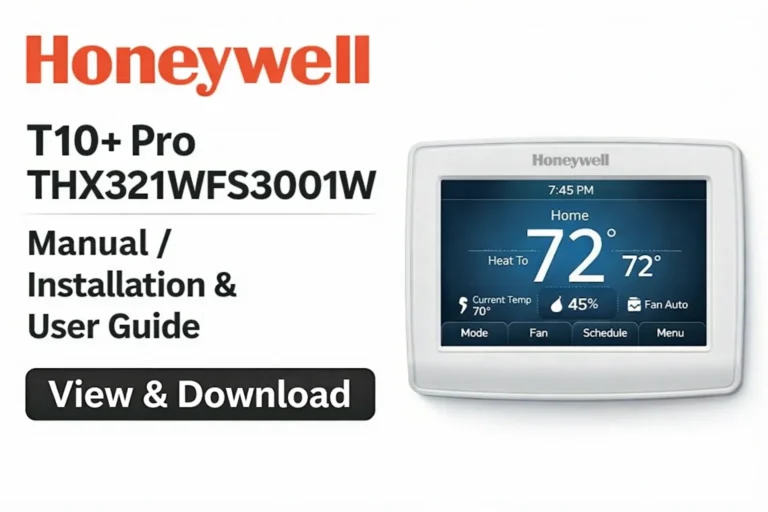
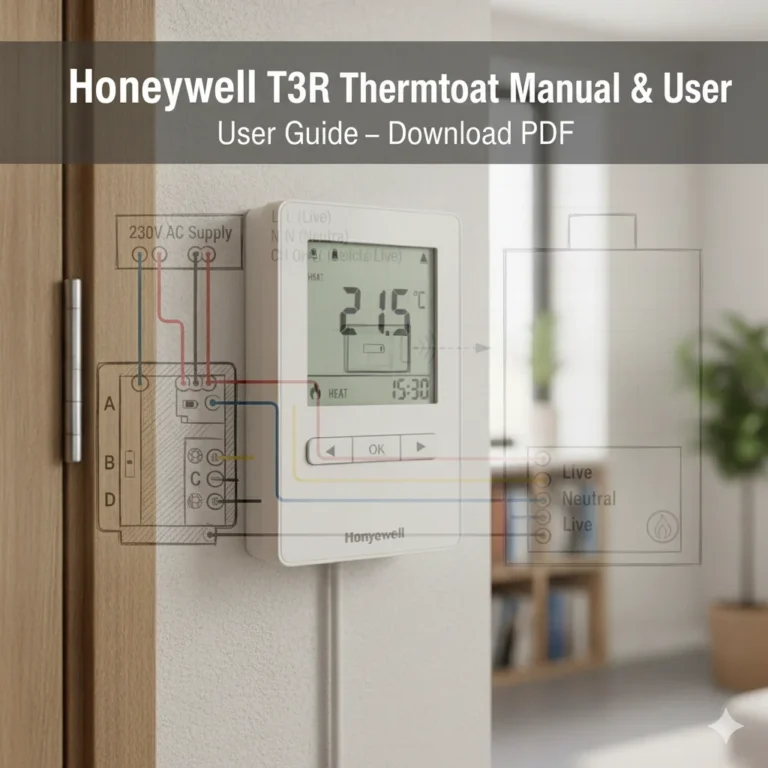
Honeywell TH6220U2000 Manual PDF – T6 Pro Thermostat Installation Guide
The Honeywell TH6220U2000 from the T6 Pro Series is one of Honeywell Home’s most popular programmable thermostats, known for its accuracy, energy-saving features, and reliable performance. On this page, you can view and download the Honeywell TH6220U2000 User Manual, Installation Guide PDF, Operating Manual, Owner Guide, Product Information, and Wiring Diagrams. Whether you’re a homeowner, technician, or HVAC installer, this complete guide provides everything you need.
Download User Instructions & Setup Files (PDF)
Operating Manual Complete Guide for T6 Pro Model TH6220U2000
The Honeywell TH6220U2000 User Manual includes detailed instructions on thermostat operation, setup, modes, scheduling, Wi-Fi connectivity (T6 Pro Wi-Fi version), and troubleshooting. The Owner Guide helps you understand daily usage, including heating/cooling adjustments, temperature hold, system switching, and energy-efficient programming.
This manual is essential for users who want maximum control and performance from their T6 Pro Programmable Thermostat.
T6 Pro Series Overview, Product Information & Key Specifications
The T6 Pro Series is designed for flexible installation, user-friendly controls, and advanced system compatibility. Key specifications include:
- Model: Honeywell TH6220U2000
- Series: T6 Pro Programmable Thermostat
- Works with conventional and heat pump systems
- 2 Heat / 1 Cool (conventional)
- 2 Heat / 1 Cool (heat pump)
- Adaptive Intelligent Recovery (AIR)
- Precise temperature control (±1°F)
- Programmable and non-programmable modes
- Backlit digital display
- Dual power—hardwired or battery backup
This section of the manual helps users understand full product information, performance capabilities, and thermostat features.
Honeywell TH6220U2000 Properties, Functions & Technical Details
The thermostat includes multiple advanced features:
- Smart response technology learns heating/cooling patterns
- 7-day, 5-1-1, or 5-2 programming options
- Auto changeover between heating and cooling
- Real-time clock with automatic daylight savings
- Filter change reminders
- Keypad lockout for safety
- Precise temperature accuracy
- Dual-fuel heat pump compatibility (with professional setup)
Technical details also include electrical ratings, display symbols, wiring terminals, and operating requirements.
TH6220U2000 (T6 Pro Series) Programmable Thermostat Device Setup Procedure (Professional Guide)
The T6 Pro Installation Instructions provide step-by-step guidance for technicians and homeowners with basic wiring knowledge. Honeywell recommends professional installation for heat pump systems or multi-stage setups.
The installation guide covers:
- Removing old thermostat
- Wiring and mounting
- Identifying terminal connections
- System configuration options
- Safety precautions
- Setting system type and fuel options
Installation Steps & Setup Process
The Installation Guide PDF (included in the downloads below) shows full installation steps with images and diagrams. The main steps include:
- Turn off power at HVAC breakers
- Label wires using Honeywell wire stickers
- Remove old thermostat
- Mount the T6 Pro wallplate
- Connect wires to proper terminals
- Configure system settings
- Test heating/cooling operation
- Install batteries or power from HVAC
- Attach the thermostat and complete setup
This ensures a safe and accurate installation.
Wiring Setup – 33-00323—01 T6 Pro Wiring Diagrams & System Compatibility
The 33-00323-01 Wiring Diagram sheet includes diagrams for:
- Conventional systems
- Heat pump systems
- Dual-fuel systems
- Multi-stage configurations
- Fan control settings
- Emergency heat setups
Wire terminals included in the diagram:
- R, RC, W, Y, G, C, O/B, AUX/E, L/A
Each diagram shows exactly where to place each wire based on your HVAC type.
Setup Guide for T6 Pro Wi-Fi Models & Configuration Settings
For the Wi-Fi-enabled version, the T6 Pro Wi-Fi – Professional Install Guide explains network setup, app pairing, and advanced configuration.
This includes:
- Router compatibility
- Home network setup
- Wi-Fi connectivity steps
- Honeywell Home app features
- System configuration codes (ISU settings)
Initial Setup, Wi-Fi Connection & Advanced Settings for TH6220U2000
After installation, the thermostat guides you through initial setup:
- Select language
- Choose heating/cooling type
- Configure clock & schedule
- Set temperature preferences
- Enable Wi-Fi connection
- Connect to the Honeywell Home app
Advanced settings include:
- Temperature swing adjustment
- Compressor protection
- Adaptive recovery
- Keypad lock
- System test mode
These settings optimize performance and energy efficiency.
Honeywell Home App Pairing, Scheduling & Troubleshooting Tips
Using the Honeywell Home app, you can:
- Control your thermostat remotely
- Create customized schedules
- Use geofencing for auto temperature control
- Monitor energy usage
- Receive system alerts
Troubleshooting tips include:
- Wi-Fi not connecting
- Blank screen
- System not heating/cooling
- Incorrect temperature reading
- Reset procedures (factory reset, Wi-Fi reset, schedule reset)
Honeywell TH6220U2000 Datasheets / Instructions – Download Original Files
Below are the files typically available:
- User Manual (PDF)
- Installation Guide
- Wiring Diagram Sheet
- Quick Start Guide
- Specification Sheet
- T6 Pro Wi-Fi Install Guide
Owner Guide, Quick Start Guide & Product Spec Sheet Archive
The Owner Guide gives operational instructions, while the Quick Start Guide provides a fast summary of setup steps. The Product Spec Sheet includes:
- Electrical ratings
- Accuracy levels
- Operating ranges
- Hardware details
- Thermostat dimensions
- Voltage requirements
Your Manual Archive helps users easily find old and new Honeywell thermostat manuals.
Compatibility, Maintenance & Safety Information for Honeywell TH6220U2000
This section covers everything a user must know about maintaining and operating their thermostat safely and effectively.
HVAC Compatibility, Battery Requirements & System Modes
The TH6220U2000 is compatible with:
- Single-stage and multi-stage furnaces
- Central AC units
- Heat pump systems
- Gas, oil, and electric systems
- Hydronic heating (24V)
Power options include:
- 24V HVAC power (preferred)
- 2 AA batteries for backup
System Modes:
- Heat
- Cool
- Auto
- Emergency Heat
- Off
- Fan Auto/On
Maintenance Checklist, Reset Options & Error Codes Explained
Maintenance Checklist:
- Replace/clean HVAC filters
- Inspect wiring annually
- Keep vents clean
- Replace thermostat batteries (if used)
- Check Wi-Fi connection periodically
Reset Options:
- Factory reset
- Wi-Fi network reset
- Schedule reset
- Settings reset
Common Error Codes:
- “Wait” message – compressor protection
- Flashing heat/cool icons – calling for system
- No response errors – wiring or system fault
- Wi-Fi errors – network issue
These guides ensure your thermostat always performs at its best.
Download More:
FAQ
To program a T6 Pro Honeywell thermostat, go to Menu → Schedule and choose your preferred schedule format (7-day, 5-2, or 5-1-1). Set your wake, leave, return, and sleep temperatures for each day. The thermostat will automatically follow your programmed temperature changes. You can also turn scheduling Off to use it manually.
Common issues include:
Wi-Fi not connecting (for T6 Pro Wi-Fi models)
System not heating or cooling due to wiring or configuration errors
Blank screen, usually caused by no power or loose wiring
Temperature inaccuracies from incorrect placement or dirty sensors
“Wait” message, indicating compressor protection
These issues can usually be resolved using the troubleshooting section in the manual.
To set temperature control, simply use the up (+) and down (–) arrow buttons on the screen. If scheduling is enabled, the thermostat will follow the programmed temperature changes. For manual control, disable the schedule in Menu → Schedule → Off, then set any temperature you want.
To reprogram your thermostat:
Go to Menu → Schedule
Select your schedule type (7-day, 5-2, or 5-1-1)
Adjust temperature periods for each day
Save and exit
If you want to start fresh, you can reset the schedule by selecting Menu → Schedule → Reset.
Adjusting the temperature is easy—use the + and – buttons on the touchscreen to raise or lower the temperature. The thermostat will immediately call for heating or cooling, depending on the system mode. If Auto mode is enabled, it will switch between heating and cooling automatically.
Conclusion
The Honeywell TH6220U2000 T6 Pro Series Thermostat is a reliable, energy-efficient, and versatile solution for both homeowners and HVAC professionals. Whether you’re installing the thermostat for the first time, adjusting daily settings, or troubleshooting system issues, the User Manual, Installation Guide, Wiring Diagrams, and Owner Guide provide all the information you need for smooth operation.
With support for multiple HVAC systems, advanced scheduling options, and optional Wi-Fi control, the T6 Pro offers flexibility and convenience in any home or commercial environment. Use the downloadable PDFs available on this page to ensure correct setup, safe installation, and optimal performance of your Honeywell thermostat.