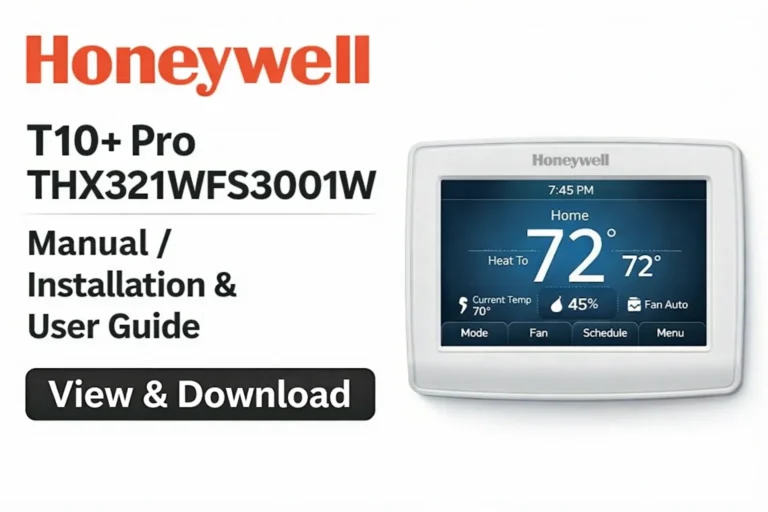
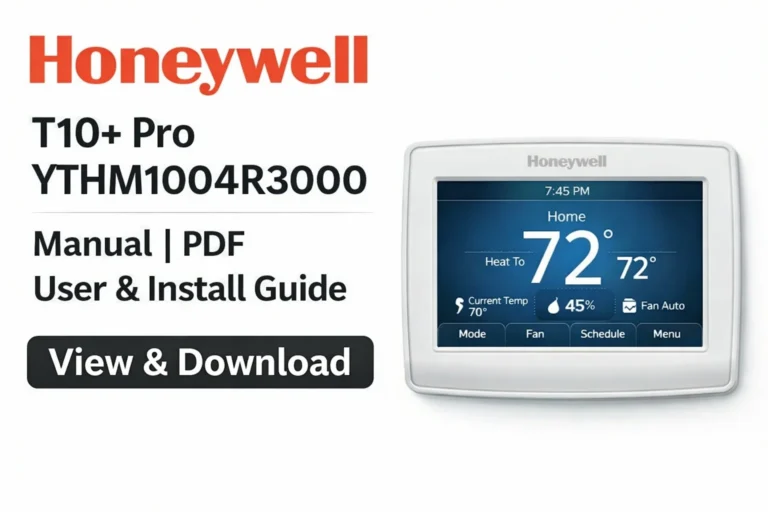
Honeywell T10 Pro THX321WF2003W Manual – View & Download THX321WF2003W User Guide (PDF)
On this page, you can view and download the Honeywell T10 Pro THX321WF2003W User Manual in PDF format. This smart thermostat is designed for easy temperature control in your home or business environment, with features that streamline your experience. The T10 Pro offers flexibility and customization, enabling you to manage your climate settings directly from your smartphone, tablet, or computer. Whether you’re setting up the device or troubleshooting, this user manual covers everything you need to ensure optimal performance.
View & Download Honeywell THX321WF2003W Manual (PDF) – User Guide
The Honeywell T10 Pro THX321WF2003W User Manual provides in-depth information for first-time setup and day-to-day usage. It covers the entire range of thermostat features, from basic installation to advanced settings for energy management. This guide ensures that even those new to smart thermostats can easily navigate through the setup process, ensuring your home remains comfortable and energy-efficient.
View & Download Honeywell THX321WF2003W Manual (PDF) – Professional Installation Guide
For professional installers, the Honeywell T10 Pro THX321WF2003W Installation Guide provides detailed steps for setting up your thermostat. This guide is particularly helpful for HVAC professionals who want to ensure a seamless and efficient installation. The T10 Pro does not require a sensor for multi-zone control, making it easy to install in single-zone environments.
The guide includes step-by-step instructions on wiring, system integration, and best practices for configuring the thermostat for maximum performance. By following this guide, installers can ensure the thermostat is set up for optimal temperature control without requiring additional remote sensors.
View & Download Honeywell THX321WF2003W Manual (PDF) – Product Data
Access detailed Honeywell T10 Pro THX321WF2003W product specifications and technical data in the PDF. Here, you will find information such as:
- Power Requirements: Compatibility with your HVAC system and voltage requirements.
- Connectivity: Supported wireless protocols, including Wi-Fi and Bluetooth.
- Dimensions and Display: Size specifications and the touchscreen interface for ease of use.
- Compatibility: Information on which heating, ventilation, and air conditioning systems the thermostat works with.
The product data will give you all the technical details you need to ensure the Honeywell T10 Pro fits your system’s requirements.
Honeywell T10 Pro THX321WF2003W Smart Thermostat Overview
The Honeywell T10 Pro THX321WF2003W is a smart thermostat designed for those seeking energy-efficient and convenient temperature control. Unlike other thermostats that require external sensors, the T10 Pro offers easy control of a single-zone system, making it perfect for smaller homes or businesses. With its sleek design, user-friendly touchscreen, and smart features, it allows homeowners to efficiently manage their HVAC systems and lower energy costs.
Whether you’re at home or away, the T10 Pro can be managed remotely through the Honeywell Home app, allowing you to adjust your home’s temperature from anywhere.
Key Features of the Honeywell THX321WF2003W Smart Thermostat
The Honeywell T10 Pro THX321WF2003W includes a range of powerful features that make it an excellent choice for anyone looking to improve their home’s energy efficiency:
- Wi-Fi Connectivity: Easily control your thermostat remotely from the Honeywell Home app.
- Customizable Schedules: Set daily and weekly schedules to manage your home’s temperature at different times of day.
- Smart Alerts: Receive notifications about system performance, temperature changes, and energy usage.
- Energy Saving: Use the energy-saving mode to optimize your system’s efficiency and reduce heating and cooling costs.
- Smart Integration: Works with Alexa, Google Assistant, and other smart home ecosystems, allowing for voice-controlled temperature management.
How to Install the Honeywell T10 Pro THX321WF2003W Thermostat (Step-by-Step)
Installing your Honeywell T10 Pro THX321WF2003W thermostat is quick and easy, thanks to its straightforward wiring and intuitive setup process. Follow these steps to ensure a smooth installation:
- Turn Off Power: Begin by turning off the power to your HVAC system.
- Remove the Old Thermostat: If you’re replacing an old unit, remove it carefully.
- Connect the Wiring: The T10 Pro uses standard HVAC wiring, so connect the wires as per the provided diagram.
- Mount the Thermostat: After wiring, mount the thermostat to the wall and ensure it’s secure.
- Power On: Once everything is connected, power on your HVAC system and the thermostat.
- Follow On-Screen Instructions: The thermostat will guide you through the setup process, including Wi-Fi configuration.
Troubleshooting Your Honeywell T10 Pro Thermostat
In case of issues, this section will guide you through troubleshooting. Common issues such as unresponsiveness, connectivity problems, or incorrect readings can be quickly diagnosed and resolved with simple steps:
- No Power: Ensure the wiring is secure and the power supply is operational.
- Wi-Fi Issues: Double-check your router settings or reset the thermostat’s network connection.
- Temperature Discrepancies: Recalibrate the thermostat if you notice discrepancies between the thermostat reading and the room temperature.
Setting Up Your Honeywell T10 Pro THX321WF2003W Thermostat
Setting up the Honeywell T10 Pro for first-time use is simple:
- Wi-Fi Configuration: Connect the thermostat to your home’s Wi-Fi network for remote control.
- Temperature Preferences: Adjust the temperature range and modes to fit your needs.
- Create a Schedule: Set up daily or weekly schedules to automatically adjust the temperature when needed.
This easy setup process allows you to control your home’s climate effortlessly.
How to Connect the Honeywell T10 Pro Thermostat to Your Smart Home
The Honeywell T10 Pro THX321WF2003W is compatible with popular smart home ecosystems, including Amazon Alexa and Google Assistant. Here’s how to integrate it into your system:
- Download the Honeywell Home App: Available on both iOS and Android devices.
- Link the Thermostat to Your Account: Open the app, select your thermostat model, and follow the on-screen instructions.
- Enable Voice Control: Once connected, enable voice commands through Alexa or Google Assistant to manage temperature by simply saying, “Hey Google, set the temperature to 72 degrees.”
Optimizing Energy Savings with the Honeywell THX321WF2003W Smart Thermostat
The T10 Pro offers several features to help you optimize energy consumption, including:
- Geofencing: The thermostat uses your phone’s location to adjust the temperature when you leave or return home.
- Smart Scheduling: Customize heating and cooling schedules based on when you’re at home or away.
- Energy Usage Reports: Track your energy usage over time and receive tips to improve efficiency.
These features can significantly reduce energy costs while maintaining comfort.
Honeywell T10 Pro THX321WF2003W vs. Other Smart Thermostats
When it comes to selecting the perfect smart thermostat, the Honeywell T10 Pro THX321WF2003W stands out due to its unique features, ease of use, and affordability. However, it’s essential to compare it with other popular smart thermostat models to determine which one best meets your needs. In this section, we’ll compare the Honeywell T10 Pro with other leading models in the market, including the Nest Learning Thermostat, Ecobee SmartThermostat, and Lennox iComfort S30. This comparison will help you make an informed decision based on features, price, compatibility, and performance.
Key Features Comparison
Here’s a side-by-side comparison of the Honeywell T10 Pro THX321WF2003W and its competitors:
| Feature | Honeywell T10 Pro THX321WF2003W | Nest Learning Thermostat | Ecobee SmartThermostat | Lennox iComfort S30 |
|---|---|---|---|---|
| Wi-Fi Connectivity | Yes | Yes | Yes | Yes |
| Smart Home Integration | Alexa, Google Assistant, Apple HomeKit | Alexa, Google Assistant, Apple HomeKit | Alexa, Google Assistant, Apple HomeKit | Alexa, Google Assistant, Apple HomeKit |
| Remote Sensor Support | No | Yes | Yes | Yes |
| Energy Savings Features | Yes (Geofencing, Scheduling) | Yes (Learning Algorithms) | Yes (Geofencing, Scheduling) | Yes (Geofencing, Scheduling) |
| Touchscreen Interface | Yes | Yes | Yes | Yes |
| Voice Control | Yes | Yes | Yes | Yes |
| Price | Mid-range | High-end | High-end | High-end |
| Compatibility with HVAC Systems | Single-zone HVAC systems | Multi-zone systems (with sensors) | Multi-zone systems (with sensors) | Multi-zone systems (with sensors) |
| Customizable Schedules | Yes | Yes | Yes | Yes |
| Mobile App Control | Honeywell Home App | Google Home/Nest App | Ecobee App | iComfort App |
| Sensor Integration | None (Single-zone) | Yes (Remote Sensors Supported) | Yes (Remote Sensors Supported) | Yes (Remote Sensors Supported) |
Why Choose the Honeywell T10 Pro THX321WF2003W?
The Honeywell T10 Pro THX321WF2003W excels in providing simplicity, affordability, and solid smart features. While it lacks the remote sensor support available in some other high-end models, it’s a perfect choice for:
- Single-zone systems: Ideal for homes or spaces that only need temperature control in one area.
- Budget-conscious buyers: Offers advanced features like Wi-Fi connectivity, app control, and geofencing at a lower price point.
- Ease of use: The interface is intuitive, making it easy for anyone to set up and use, regardless of their technical expertise.
Best Practices for Using Your Honeywell T10 Pro THX321WF2003W Thermostat
To get the most out of your Honeywell T10 Pro, consider these best practices:
- Regularly Update Your Settings: Adjust schedules seasonally to account for changing weather.
- Use Energy Saving Mode: Take advantage of the energy-saving features to reduce utility bills.
- Monitor Your System’s Performance: Use the app to keep an eye on system health and receive alerts for any potential issues.
How to Update the Firmware of Your Honeywell T10 Pro THX321WF2003W Thermostat
Firmware updates are essential for ensuring your thermostat stays current with the latest features and performance improvements. To update the firmware:
- Check for Updates: Open the Honeywell Home app, go to settings, and check for available updates.
- Download and Install: Follow the prompts to install any available firmware updates.
Regular updates help to fix bugs, enhance functionality, and ensure your thermostat performs at its best.
Download More:
Honeywell T10 Pro THX321WF2003W FAQs: Frequently Asked Questions
No, this model does not require a remote sensor for operation, making it ideal for single-zone temperature control.
You can control the thermostat remotely through the Honeywell Home app, which is available for iOS and Android devices.
Yes, the thermostat is compatible with both Amazon Alexa and Google Assistant for voice control.
Conclusion
The Honeywell T10 Pro THX321WF2003W is a smart, user-friendly thermostat that helps you control your home’s temperature efficiently. With features like Wi-Fi connectivity, smart scheduling, and energy-saving modes, it ensures that your home stays comfortable while lowering energy costs. Download the User Manual to explore all the features, installation steps, and troubleshooting tips. Whether you’re installing it yourself or seeking professional help, the Honeywell T10 Pro will optimize your HVAC system’s performance.